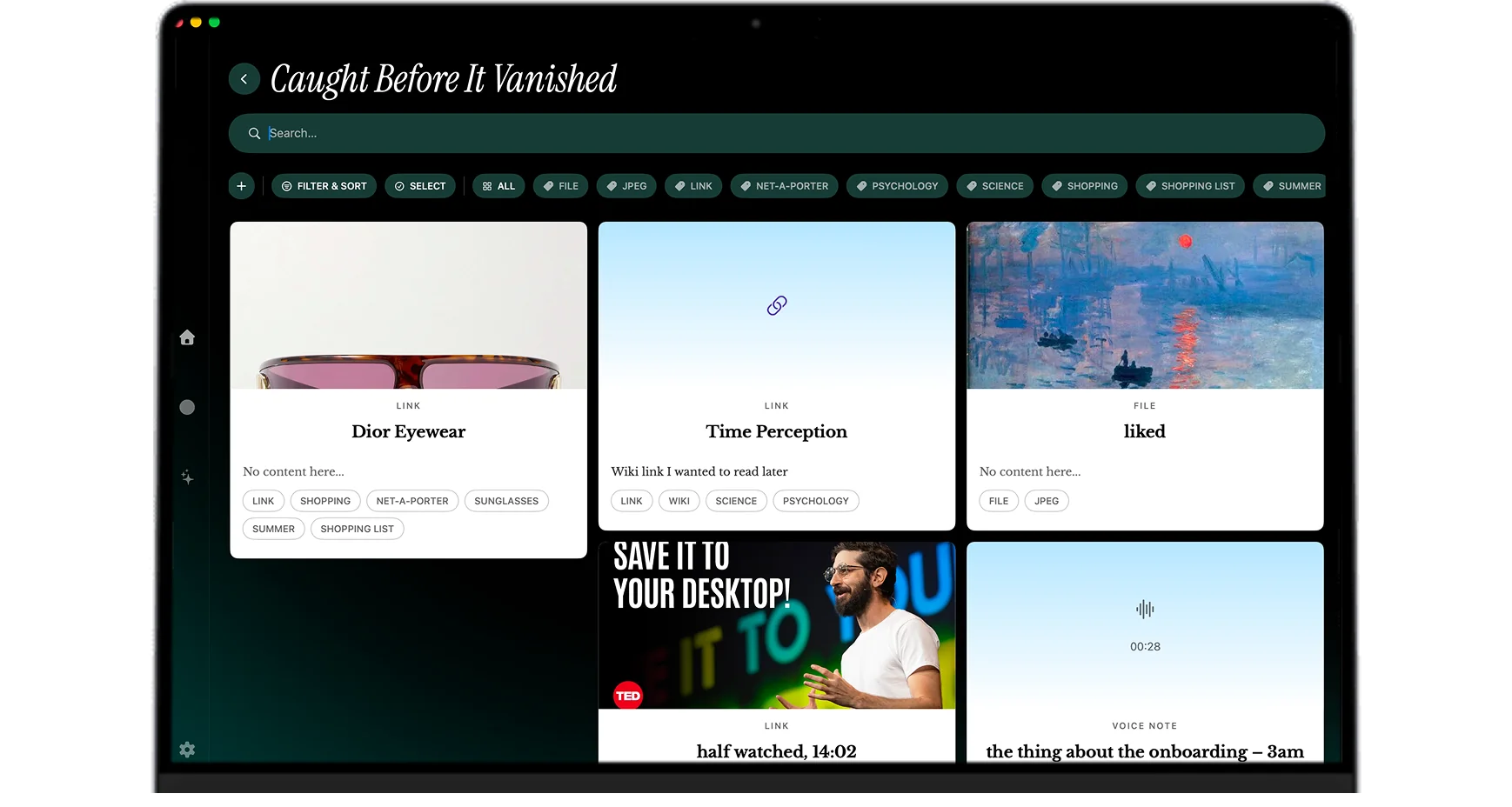
Connected Tools, Organized The Second You Save
Connect Notion, Google Drive, Dropbox, and Readwise into one organized library.
Now available for macOS
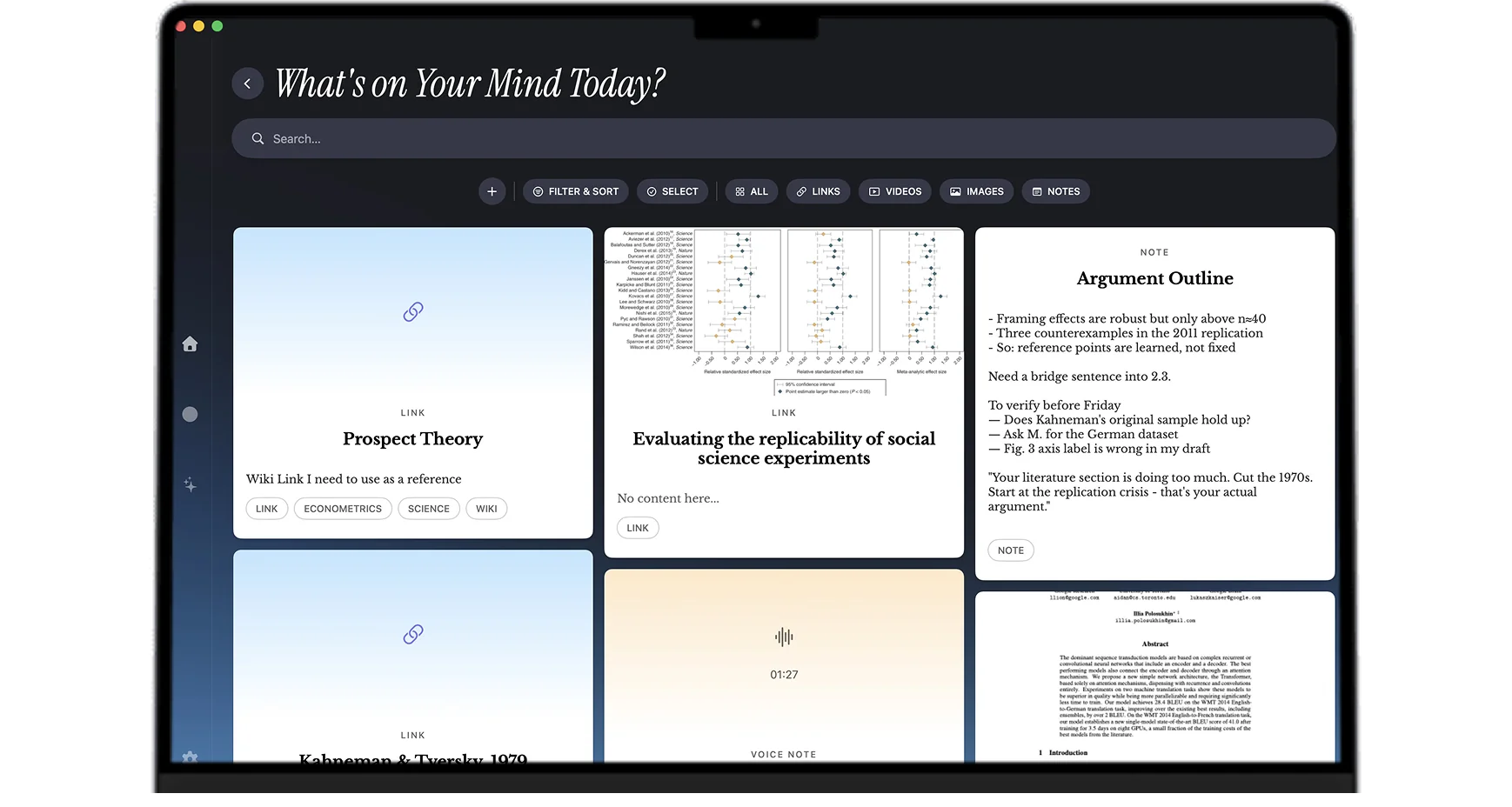
Capture notes, links, voice, and files in one shortcut. Mindly's AI tags, summarizes, and connects everything into your private second brain.
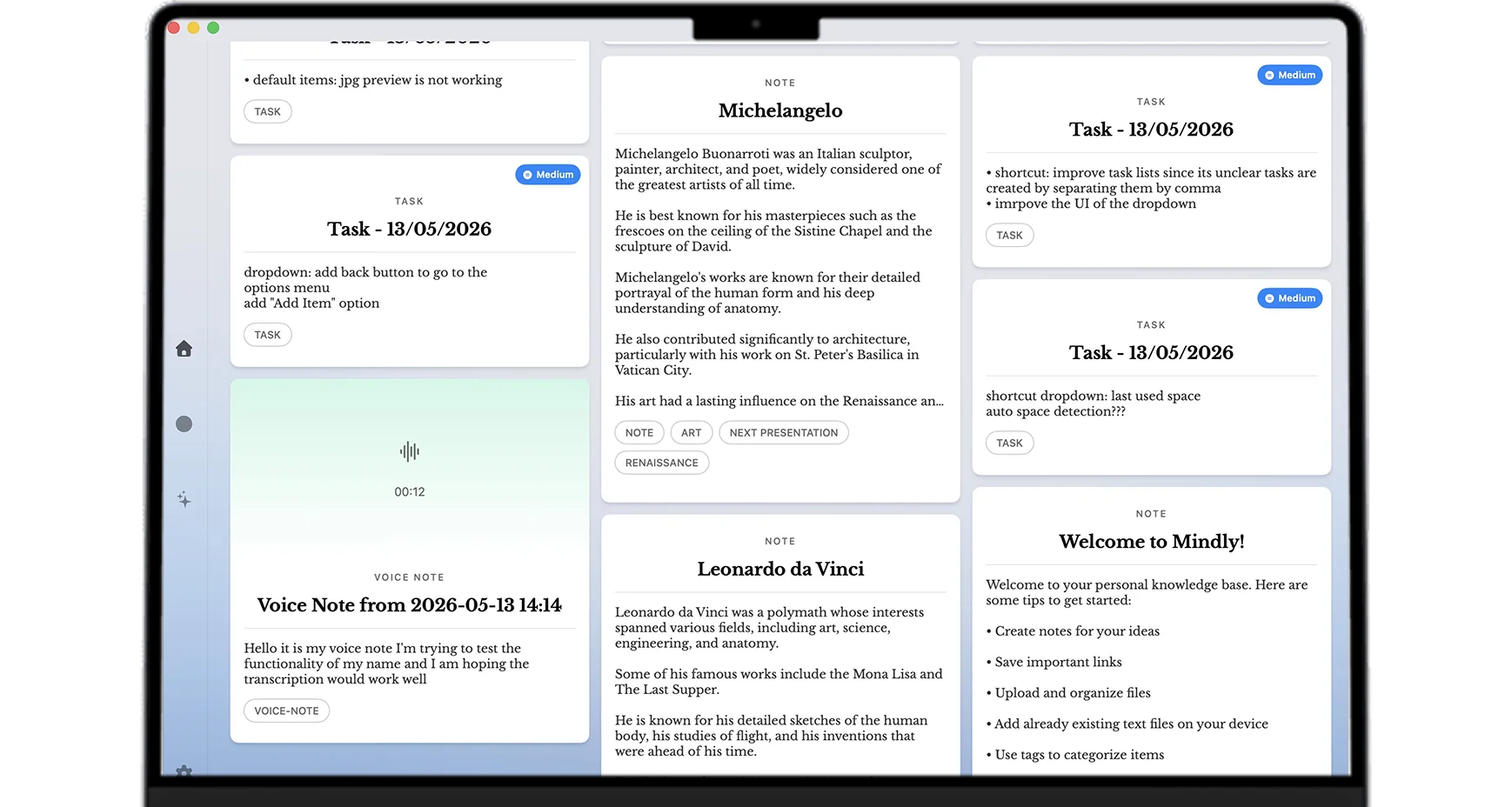
Instant capture, AI organization, connected tools, and chat with your documents. No folder busywork required.
Connect Notion, Google Drive, Dropbox, and Readwise into one organized library.
Press ⌘M to paste a link, type a note, drop a file, or record voice from anywhere.
Tags, summaries, and links apply automatically. No folders to build or clean up.
Open any note, PDF, or save and chat with it. Answers come from your own material.
From first save to a living second brain, without setting up folders or fighting your tools.
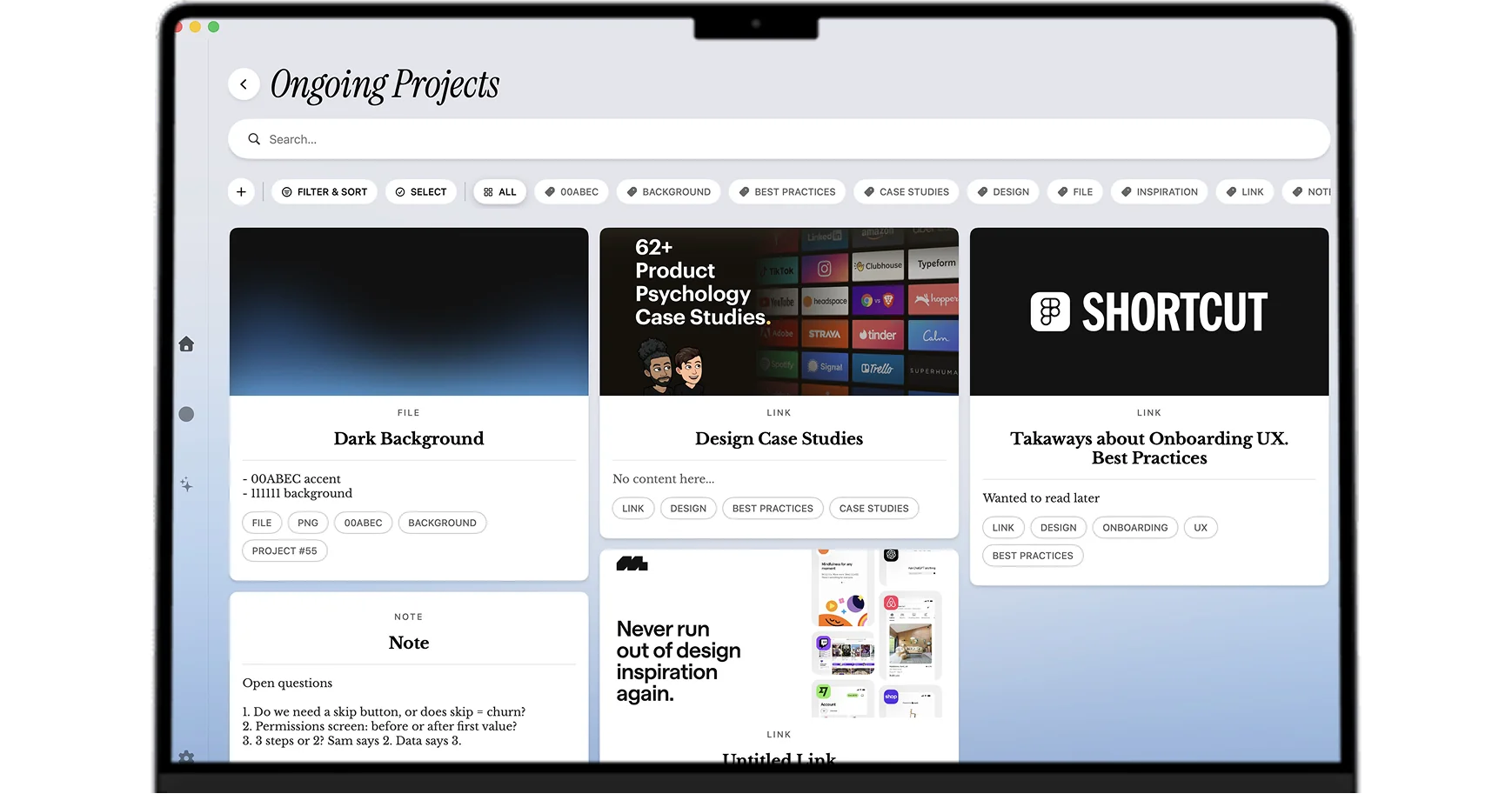
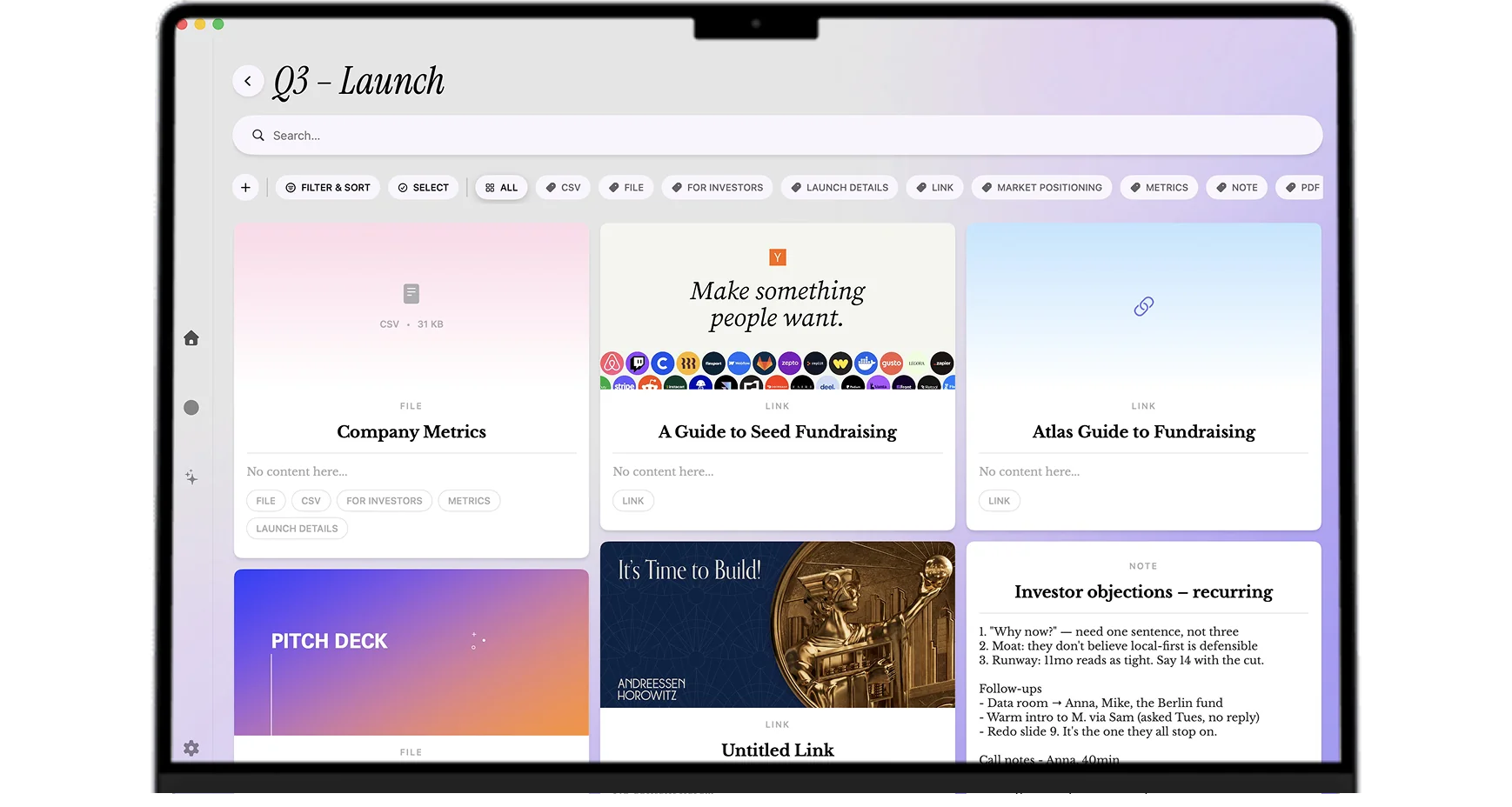
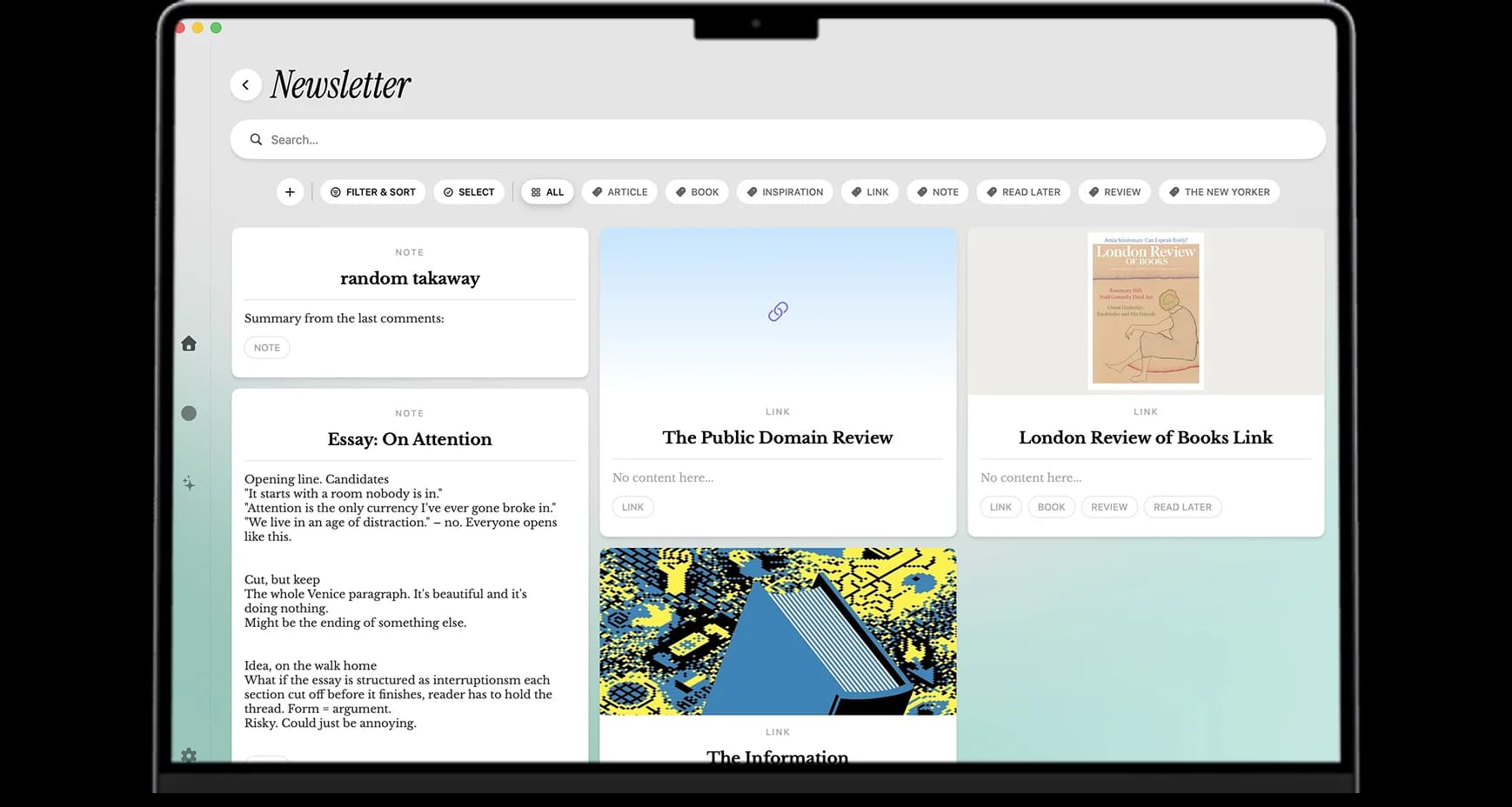
Start with one home for everything, or a space for each project and topic.
Drop in notes, links, files, and voice memos with one shortcut.
Mindly tags, summarizes, and links related saves automatically.
Click play to see how capture, organization, and search come together.
For the night thinkers, deadline sprinters, and mid-walk geniuses who refuse to lose another idea.
For students
Lectures, PDFs, papers, and voice notes in one searchable library.
Learn moreFor designers
Moodboards, references, screenshots, and inspiration in one visual home.
Learn moreFor founders
Customer calls, strategy notes, and fundraising threads stay connected.
Learn moreFor creatives
Quotes, references, moodboards, and drafts live together in one place.
Learn moreFor ADHD minds
One shortcut saves the thought. Mindly organizes it so you do not have to.
Learn moreEverything you need to know before your first save. More questions? Ask us directly.
Yes! Download and start saving immediately, for free. Optional Pro unlocks unlimited storage, instant tagging and summaries, priority processing, and much more.
Mindly supports macOS.
Yes. Mindly keeps your notes, links, and files on your Mac. Nothing leaves your machine unless you explicitly choose a feature that requires it.
The moment you save something, Mindly gets to work. In seconds, it understands what you saved, connects it to everything relevant in your space, and makes it instantly findable and organized, no input needed from you.
Pretty much anything. Type a quick thought, paste a link, upload a PDF, drop in a screenshot, or just talk. Mindly transcribes, captures, and organizes it all the same way.
Trigger capture with a shortcut you can customize (⌘M is the default). From anywhere on your Mac, a small overlay opens so you can paste, type, drop a file, or record voice, then get right back to what you were doing.
It is a live view of how your saves connect. Follow links between ideas, zoom into a thread, and rediscover related items without digging through folders.
Capture in one shortcut, let AI organize it, and find it the second you need it. Free to start.